Tag Archives: email security

SPF, DMARC, and rDNS Checks Are Now Built Into Blacklist Monitoring

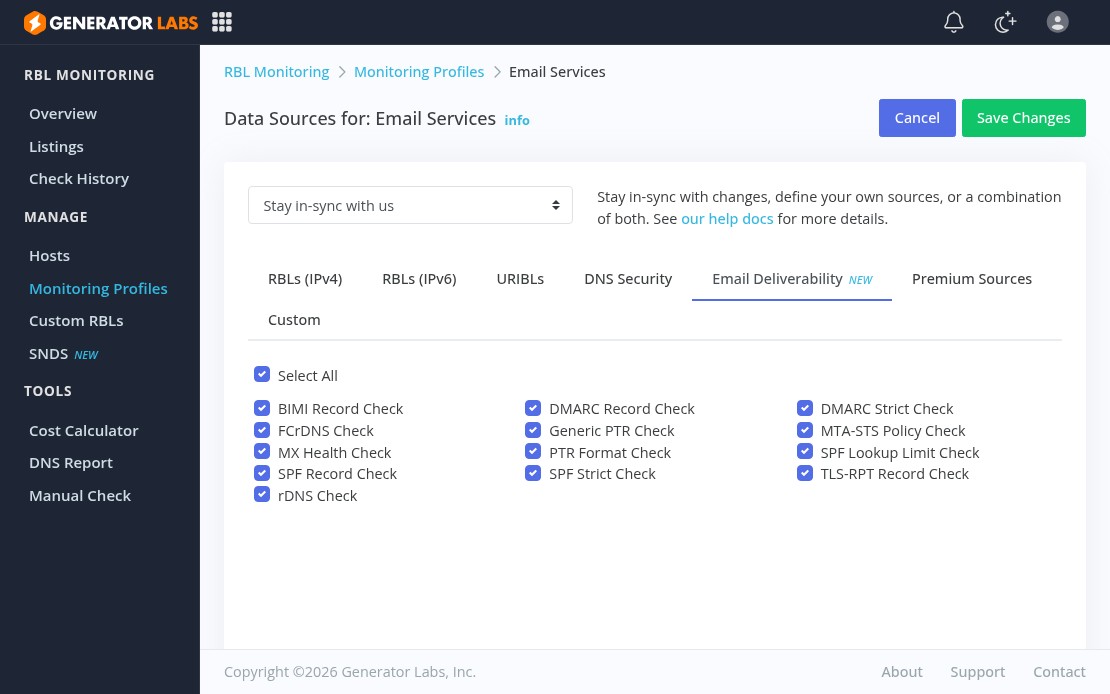
Generator Labs email deliverability checks tab showing all 13 available checks

Getting listed on an RBL is one way mail stops delivering. There’s a longer list of DNS misconfigurations that cause mail to land in spam or get silently rejected, and most monitoring tools don’t catch them. Generator Labs has added 13 email deliverability checks directly into blacklist monitoring profiles, running alongside your RBL checks and feeding into the same alert pipeline.

What Gets Checked

IP-based checks (for IPv4 and IPv6 hosts):

  • Reverse DNS (rDNS): the IP has a PTR record
  • Forward-Confirmed rDNS (FCrDNS): the PTR resolves forward back to the original IP
  • Generic PTR Pattern: the PTR doesn’t look like a dynamic or consumer hostname
  • PTR Format: the PTR has at least two labels and a valid alpha TLD

Domain-based checks (for URIBL and URI hosts):

  • MX Health: MX records exist and at least one target resolves
  • SPF Record: domain publishes a valid SPF record
  • SPF Strict: SPF uses an enforcing policy (-all or ~all)
  • SPF Lookup Limit: SPF stays within RFC 7208’s 10-lookup cap
  • DMARC Record: domain publishes a valid DMARC record
  • DMARC Strict: DMARC uses an enforcing policy (p=quarantine or p=reject)
  • TLS-RPT Record: domain publishes a TLS Reporting record
  • MTA-STS Policy: domain publishes a valid MTA-STS policy
  • BIMI Record: domain publishes a valid BIMI record

How to Enable

All 13 checks are opt-in. Go to RBL Monitoring > Monitoring Profiles > Data Sources, click the Email Deliverability tab, and enable the ones you want. None of them run unless you explicitly turn them on.

The recommended approach is a dedicated profile for your mail-sending hosts so deliverability alerts don’t mix with RBL alerts from non-mail infrastructure. Failures trigger the same notifications and webhooks as blacklist listings, so they drop straight into your existing incident workflow.

Full documentation is at docs.generatorlabs.com/email-deliverability.

GoodTLS: Expert TLS/SSL Configuration Guides for Every Stack

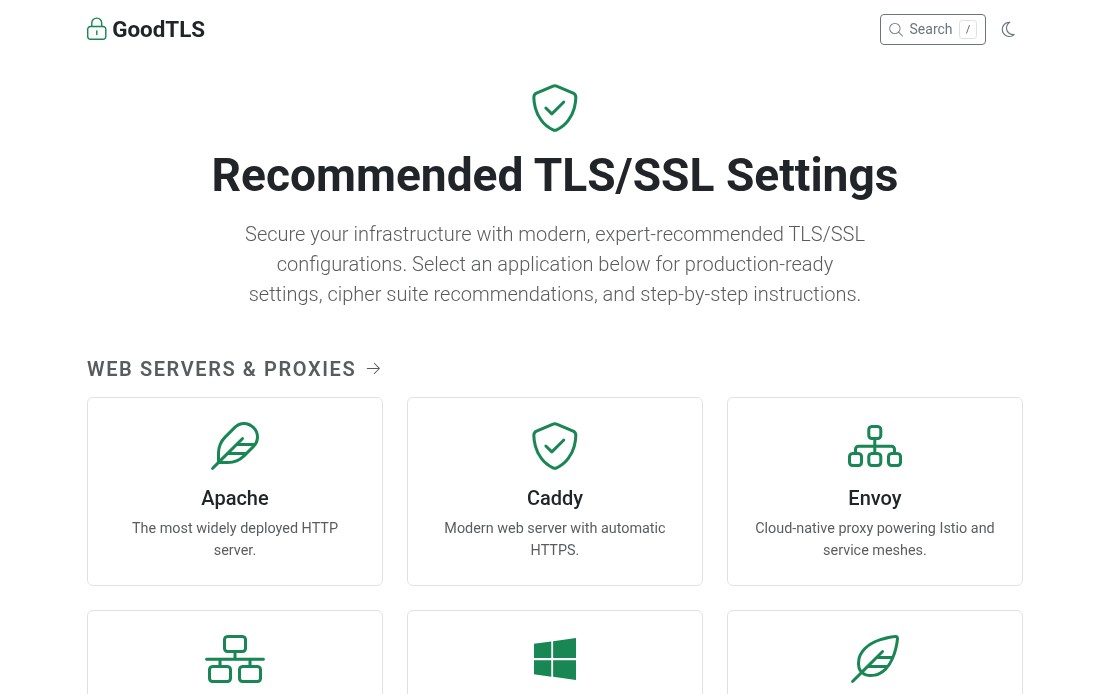
TLS configuration is one of those things everyone knows matters, but the documentation across different platforms is fragmented, inconsistent, and sometimes outdated. GoodTLS collects expert-recommended TLS/SSL configuration guides in one place, organized by application. No sifting through Stack Overflow threads or vendor docs that haven’t been updated since TLS 1.0 was acceptable.

GoodTLS homepage showing TLS/SSL configuration guides by application

Web Server Guides

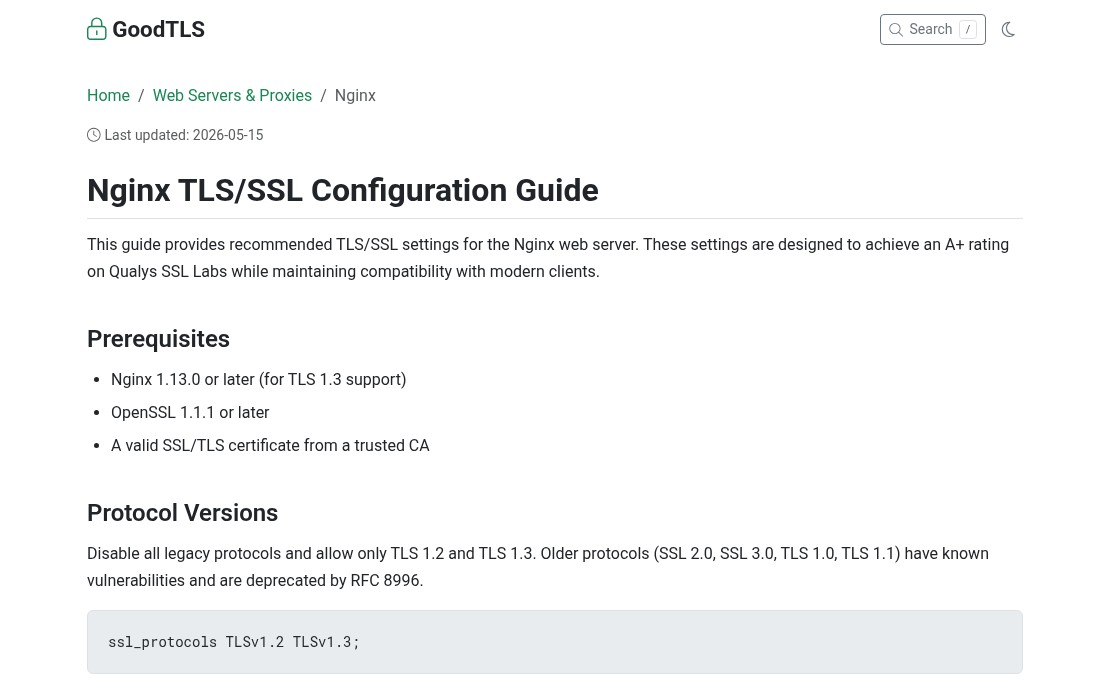
The most common use case, and where TLS configuration has the most visibility. GoodTLS covers the major web servers with guides that focus on what actually matters for a modern deployment: TLS 1.2/1.3-only configurations, AEAD-only cipher suites, OCSP stapling, and secure header settings.

Each guide goes beyond a copy-paste snippet and explains the tradeoffs: which cipher suites to drop, why session ticket rotation matters, and what HSTS preloading requires.

GoodTLS Nginx configuration guide showing protocol version settings

Mail Server Guides

Mail server TLS configuration has real deliverability implications. Get the STARTTLS settings wrong and you are either degrading security or breaking mail flow. The Postfix TLS guide and Exim TLS guide cover both outbound and inbound TLS configuration, certificate requirements, and policy enforcement. Dovecot and Sendmail are covered as well.

If you are running your own mail infrastructure, certificate hygiene is part of the picture. Certificate monitoring tracks expiry across all your domains and alerts before anything lapses. An expired cert on your SMTP server will cause delivery failures before most teams even notice. On the deliverability side, blacklist monitoring watches your sending IPs against hundreds of blocklists so you catch reputation problems early.

Database and Infrastructure Guides

Database TLS is frequently an afterthought, but it is essential for any environment where the application and database are not co-located, or where compliance requirements apply. GoodTLS covers:

For infrastructure that handles DNS over TLS or encrypted replication traffic, having a reference for the correct cipher and protocol settings saves time and avoids the configuration drift that comes from guessing.

Why Configuration Quality Matters

A misconfigured TLS stack is not just a security risk. Weak cipher suites, missing OCSP stapling, and deprecated protocol versions can trigger browser warnings, fail PCI DSS or SOC 2 security scans, or cause mail rejections from strict receiving servers. The cost of getting it wrong shows up in unexpected ways.

GoodTLS is free to use and covers most common application stacks. If you are also looking to automate certificate monitoring across your infrastructure, Generator Labs certificate monitoring tracks SSL/TLS certificate expirations with automated alerts before they become outages.