Monthly Archives: July 2026

Generator Labs Nagios and Zabbix Plugins for Blacklist and Certificate Monitoring

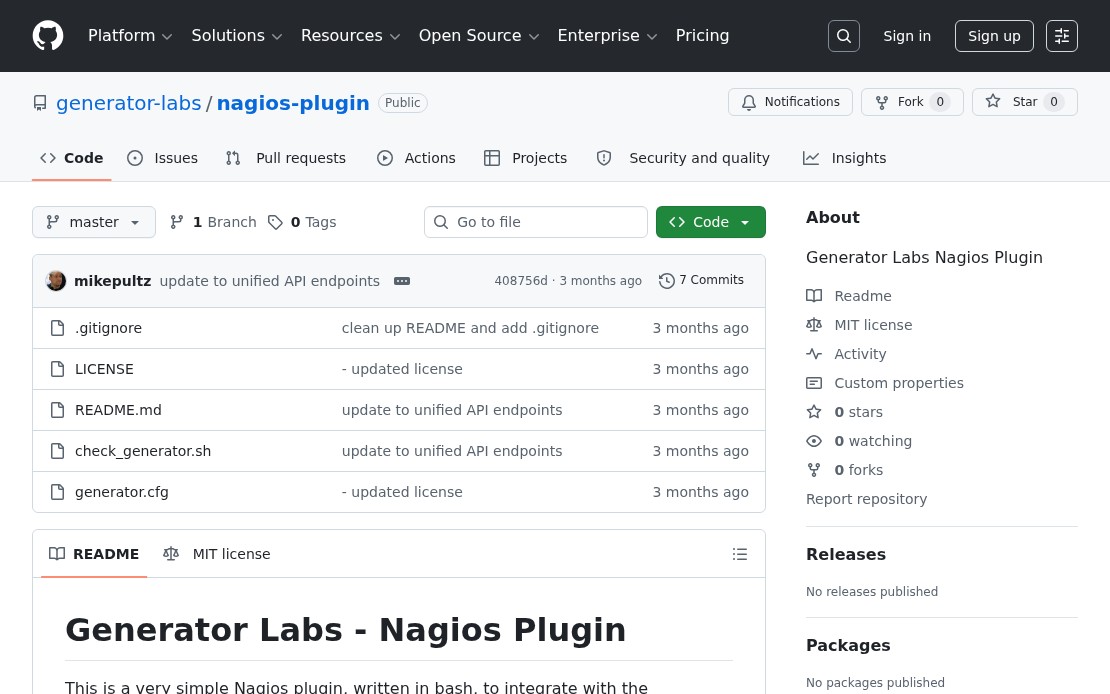
Generator Labs Nagios plugin GitHub repository

If you run Nagios or Zabbix, Generator Labs monitoring data can now flow directly into your existing infrastructure monitoring stack. Updated plugins for both platforms are available on GitHub, adding support for certificate monitoring alongside the existing blacklist monitoring checks.

Nagios Plugin

The Nagios plugin is a bash script that calls the Generator Labs API and maps the response to standard Nagios exit codes:

  • OK when no issues are detected
  • CRITICAL when active listings or certificate errors are found
  • UNKNOWN on API or configuration errors

Two check types are supported:

  • rbl: checks for active blacklist listings on a host
  • cert: checks for active certificate errors on a monitor

Install by copying check_generator.sh to your Nagios plugins directory and adding the command and service definitions. A complete example configuration is included in the repository.

Zabbix Plugin

The Zabbix plugin uses the same API and exposes the same check types as Zabbix external checks. Import the provided template, set your Account SID and API token as macros, and hosts are automatically discovered and mapped to Zabbix items and triggers.

Both plugins replace the legacy RBLTracker plugins. If you were running the old versions, remove them and install the updated ones. The check syntax is unchanged, so existing service definitions don’t need to be updated.
Documentation

Query Your Generator Labs Monitoring Data from Any AI Assistant

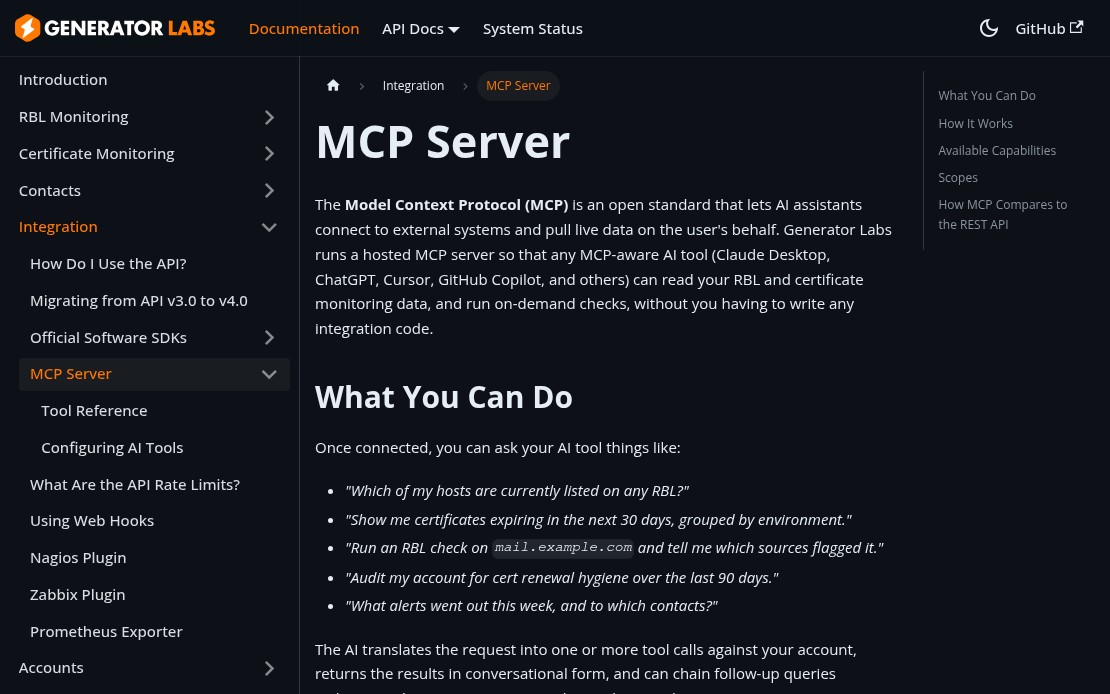
Generator Labs MCP server documentation page

Generator Labs now runs a hosted MCP (Model Context Protocol) server, which means any MCP-aware AI tool can read your monitoring data and run on-demand checks directly from the chat interface. No switching tabs, no copying host names, no manual lookups.

What You Can Ask

Once connected, your AI assistant has access to your full account data and can answer questions like:

  • “Which of my hosts are currently listed on any RBL?”
  • “Show me certificates expiring in the next 30 days.”
  • “Run a check on mail.example.com and tell me what flagged it.”
  • “What alerts went out this week, and to which contacts?”

The AI translates your request into tool calls, returns results in plain language, and can chain follow-up queries without leaving the conversation.

Supported Tools

Area What’s Available
Blacklist Monitoring List and inspect hosts, active listings, profiles, check history, run manual checks
Certificate Monitoring List monitors, view expiring certs, inspect errors, run compliance audits
Notifications View contacts, groups, webhooks, and recent alerts
Account Summary, balance, and server health

Connecting

The MCP endpoint is at https://api.generatorlabs.com/4.0/mcp. For Claude Desktop, add this to your claude_desktop_config.json:

{
  "mcpServers": {
    "generator-labs": {
      "type": "http",
      "url": "https://api.generatorlabs.com/4.0/mcp",
      "headers": {
        "Authorization": "Basic <base64 of AccountSID:AuthToken>"
      }
    }
  }
}

For Claude.ai, ChatGPT, and other tools that support OAuth 2.1, add a custom connector with the endpoint URL and complete the browser-based auth flow.

Full setup instructions are in the MCP documentation.

Monitor Your Email Reputation and Certificates in Prometheus

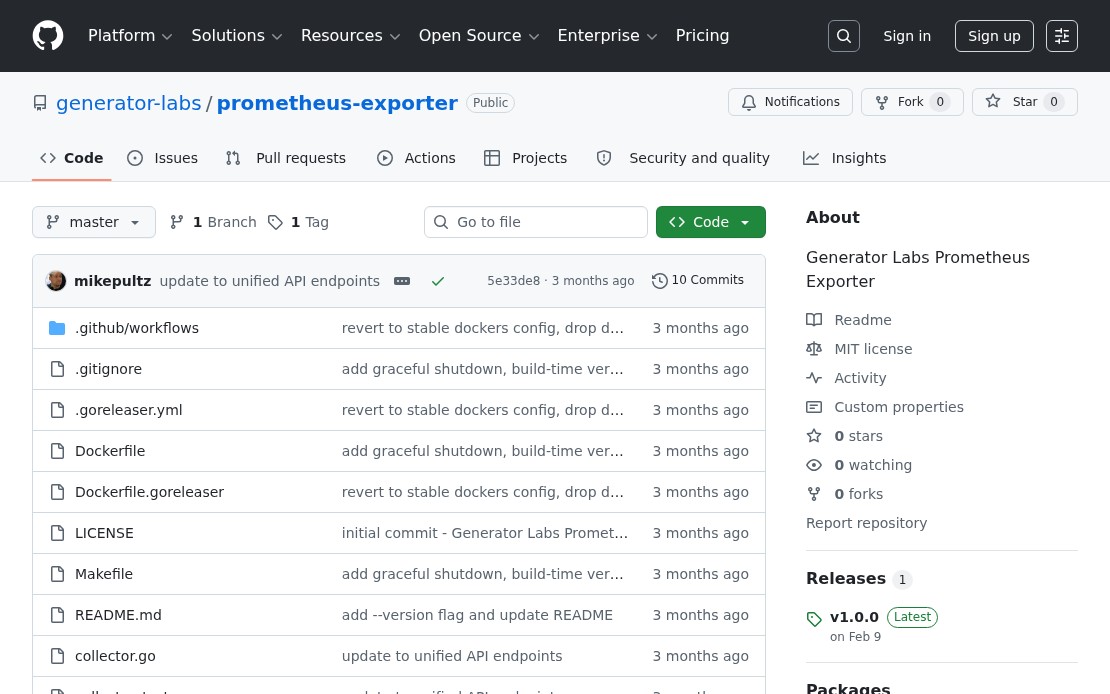
Generator Labs Prometheus exporter GitHub repository

If your team already runs Prometheus, you can now pull Generator Labs monitoring data directly into your metrics stack. The Generator Labs Prometheus exporter exposes blacklist listing status and SSL certificate expiry as standard Prometheus metrics, making it straightforward to build Grafana dashboards or set up alerting rules alongside the rest of your infrastructure.

What It Exports

The exporter surfaces metrics for both products:

  • Blacklist monitoring: active listing status per host, listing counts by source type, last check timestamps
  • Certificate monitoring: days until expiration per monitor, active error status, chain and hostname validation results

These map cleanly to Grafana panels: a certificate expiry countdown per domain, a listing status heatmap across your host inventory, or a single alert rule that fires when any host gets listed or any cert drops below 14 days.

Installation

Three options are available depending on your environment:

Pre-built binary: download from the GitHub releases page and run directly. No dependencies.

Docker:

docker run -e GENERATOR_LABS_ACCOUNT_SID=your_sid \
           -e GENERATOR_LABS_AUTH_TOKEN=your_token \
           -p 9090:9090 \
           ghcr.io/generator-labs/prometheus-exporter:latest

Build from source: requires Go 1.21 or later.

Configuration

The exporter takes two credentials: your Account SID and API token from your Generator Labs account settings. Supply them as flags (--account-sid, --auth-token) or the environment variables above. The metrics endpoint is exposed on port 9090 by default.

Add a scrape config to your prometheus.yml:

scrape_configs:
  - job_name: 'generator-labs'
    static_configs:
      - targets: ['localhost:9090']

Full setup guide on GitHub.