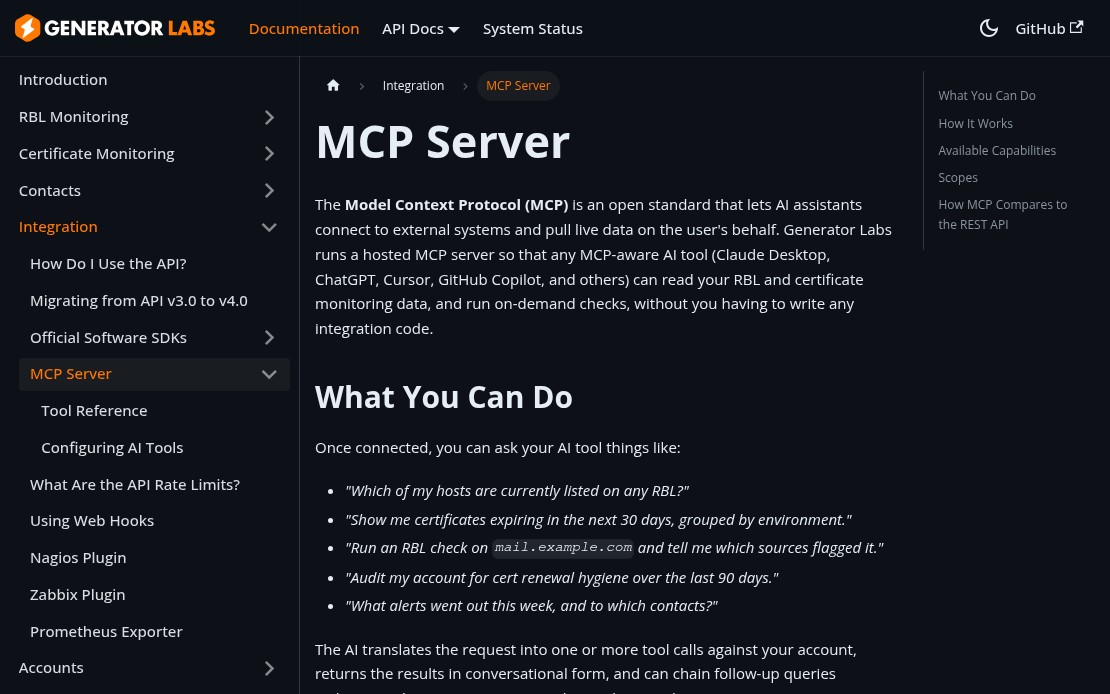
Generator Labs now runs a hosted MCP (Model Context Protocol) server, which means any MCP-aware AI tool can read your monitoring data and run on-demand checks directly from the chat interface. No switching tabs, no copying host names, no manual lookups.
What You Can Ask
Once connected, your AI assistant has access to your full account data and can answer questions like:
- “Which of my hosts are currently listed on any RBL?”
- “Show me certificates expiring in the next 30 days.”
- “Run a check on mail.example.com and tell me what flagged it.”
- “What alerts went out this week, and to which contacts?”
The AI translates your request into tool calls, returns results in plain language, and can chain follow-up queries without leaving the conversation.
Supported Tools
| Area | What’s Available |
|---|---|
| Blacklist Monitoring | List and inspect hosts, active listings, profiles, check history, run manual checks |
| Certificate Monitoring | List monitors, view expiring certs, inspect errors, run compliance audits |
| Notifications | View contacts, groups, webhooks, and recent alerts |
| Account | Summary, balance, and server health |
Connecting
The MCP endpoint is at https://api.generatorlabs.com/4.0/mcp. For Claude Desktop, add this to your claude_desktop_config.json:
{
  "mcpServers": {
    "generator-labs": {
      "type": "http",
      "url": "https://api.generatorlabs.com/4.0/mcp",
      "headers": {
        "Authorization": "Basic <base64 of AccountSID:AuthToken>"
      }
    }
  }
}
For Claude.ai, ChatGPT, and other tools that support OAuth 2.1, add a custom connector with the endpoint URL and complete the browser-based auth flow.
Full setup instructions are in the MCP documentation.