Generator Labs provides infrastructure monitoring for teams that need to stay ahead of two specific problems: IP and domain blacklistings that kill email deliverability, and SSL certificates that expire without warning. Both products run in the same portal, so you manage everything in one place.
Blacklist Monitoring
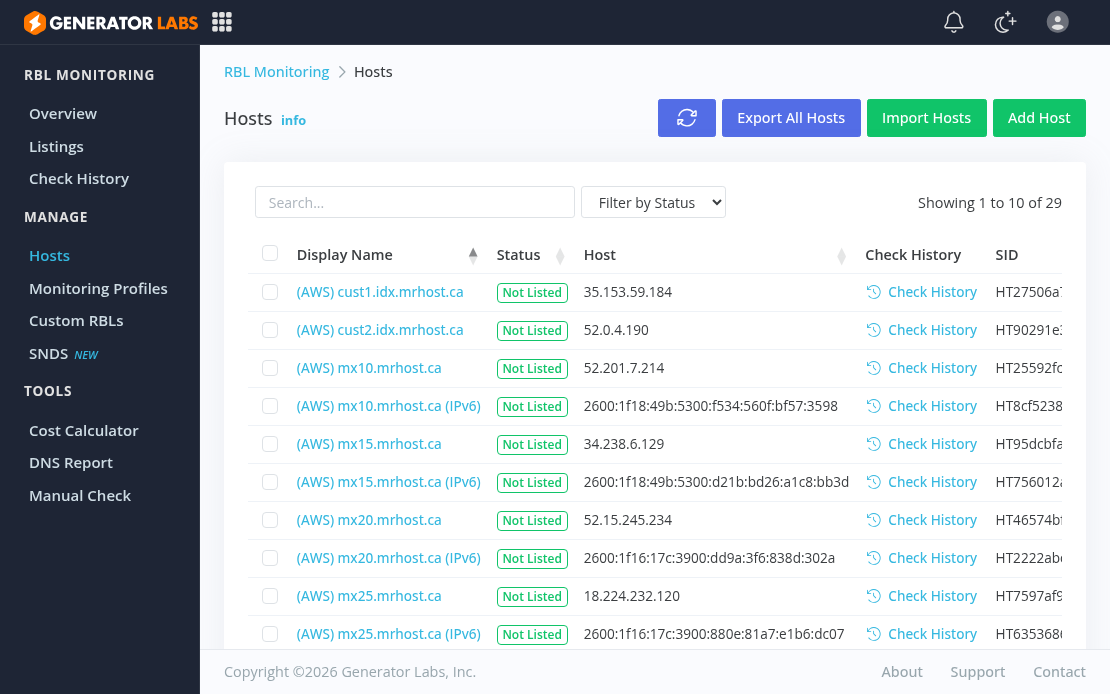
Blacklist monitoring runs continuous checks of your IPv4 addresses, IPv6 addresses, and domains against hundreds of RBL and URIBL data sources. The moment a listing is detected, alerts go out through whatever channels you have configured: email, SMS, Slack, Discord, PagerDuty, or webhooks.
Coverage is the differentiator. Free one-shot tools check a handful of the major lists. Generator Labs checks well over a hundred data sources on a schedule, including 30+ premium sources on Enterprise and Ultimate plans that free tools do not cover. You get notified when something changes; you are not logging in to run a manual check.
Other features worth knowing:
Full IPv6 support. IPv4 and IPv6 addresses are both monitored across all plans. As more mail infrastructure goes dual-stack, IPv6 blacklisting is a real and growing issue that most monitoring tools still treat as secondary.
Shareable public reports. Every monitored host gets a public report URL you can hand to a client, ISP, or manager without giving anyone portal access.
REST API. Full programmatic access to monitoring data and controls, with client libraries for PHP, Node.js, and Python.
Blacklist Monitoring Pricing
- Free: 1 host, 48-hour check interval, 100+ data sources. Free forever, no credit card required.
- Professional: $8/month for 20 hosts at 24-hour intervals.
- Enterprise: $16/month for 50 hosts at 12-hour intervals, premium data sources, custom run times.
- Ultimate: $0.005 per check, unlimited hosts, custom intervals, all premium sources.
The Ultimate pay-per-check plan scales cleanly for larger deployments. Running 50 hosts daily against 150 data sources works out to roughly $11/month.
Certificate Monitoring
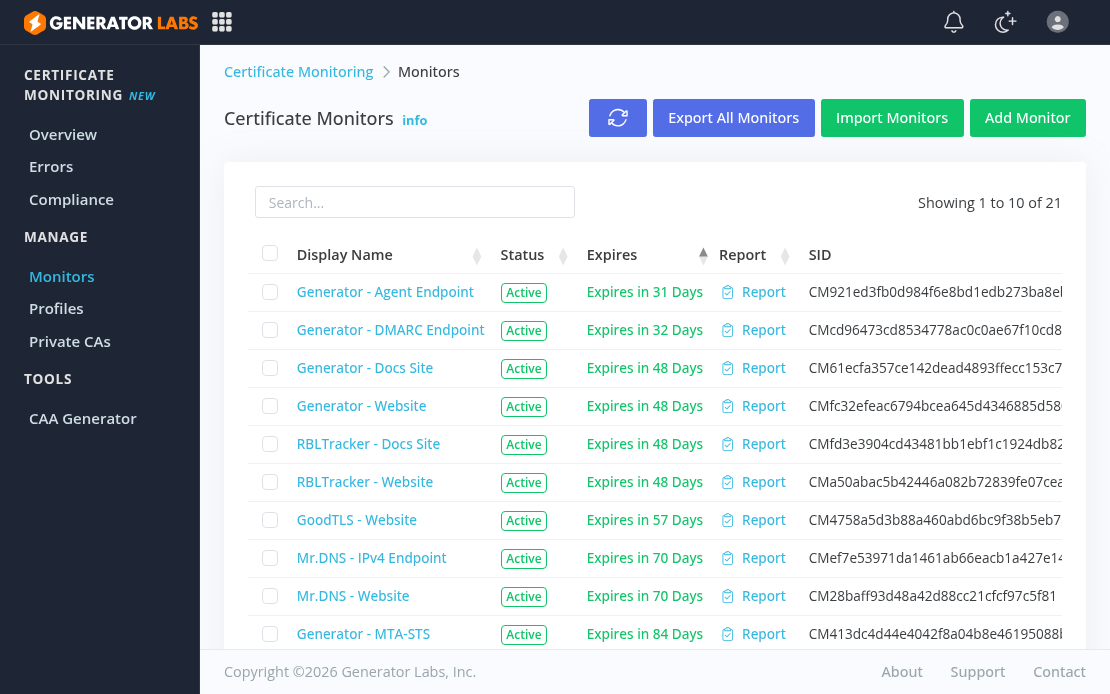
Certificate monitoring tracks SSL/TLS certificate expirations across your domains and sends alerts before anything expires. Add your domains, set alert thresholds, and the service runs automatically from there.
Both publicly-trusted and private or internal CA certificates are supported, which matters for teams running internal infrastructure that does not go through a public CA. Certificate expiry causes outages that are entirely preventable; automated monitoring removes the spreadsheet tracking and calendar reminders that most teams fall back on.
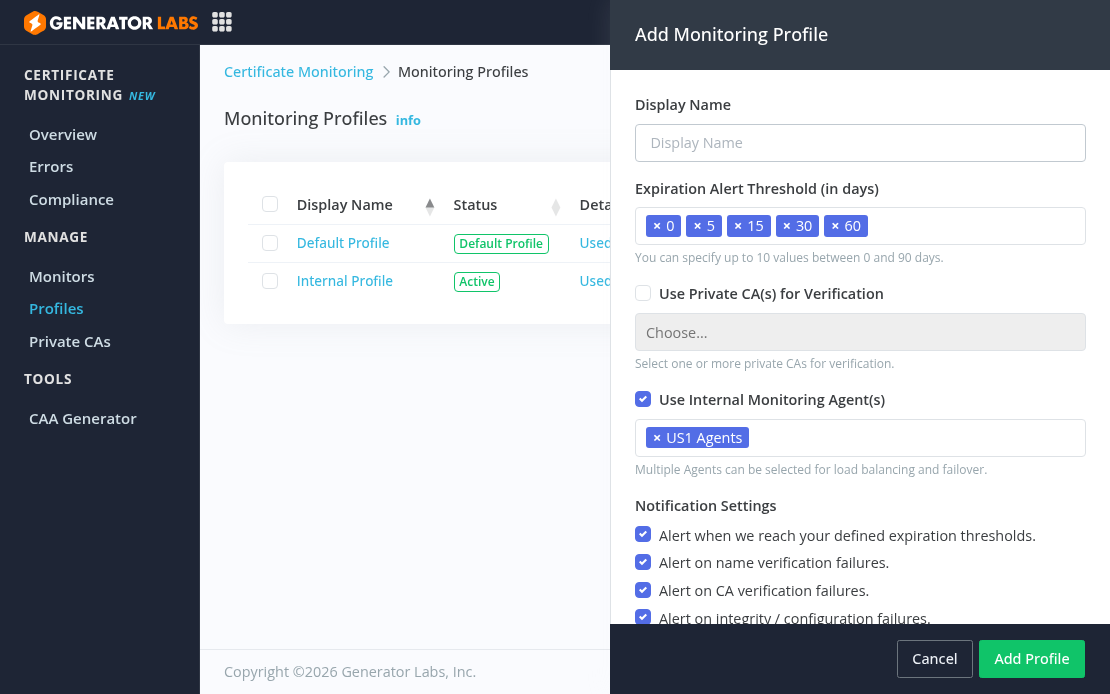
Monitoring profiles let you define reusable alert configurations across multiple monitors. Set custom expiration alert windows (5, 15, 30, 60 days, or any combination you need), choose which failure types trigger alerts, and assign private CAs or internal monitoring agents. One profile can cover dozens of monitors.
Certificate Monitoring Pricing
Certificate monitoring is priced at $0.01 per host per day, with no fixed tiers. You pay for what you monitor and can add or remove domains at any time.
Who It Is For
- Email service providers and hosting companies monitoring large IP ranges
- IT and security teams who need immediate notification when a host gets listed
- Organizations managing many domains who need certificate expiry visibility without manual tracking
- Developers who want API access to monitoring data for automation or integration
Get Started
Generator Labs offers continuous blacklist monitoring and certificate monitoring with solid alert coverage and a complete API. The free tier is a real free tier. Sign up at portal.generatorlabs.com to get started, no credit card required.