Author Archives: mike

Net_DNS2 Version 1.3.2 Released

I’ve released version 1.3.2 of the PEAR Net_DNS2 library- you can install it now through the command line PEAR installer:

pear install Net_DNS2

Download it directly from the Google Code page here.

Or, you can also add it to your project using composer.

Version 1.3.2

  • added support for the EUI48 and EUI64 resource records (RFC7043).
  • fixed how we handle the return values from socket select() statements; this wasn’t causing a problem, but it wasn’t quite right.
  • added some error messaging when the socket times out).
  • before we cache the data, unset the rdata value; this was causing some JSON errors to be generated, and we don’t need the data anyway.

Generator Labs: Custom RBL Profiles

Now selecting which RBLs to use with Generator Labs is even easier than before!

As of today, customers can create custom RBL Profiles which let them select from over 60 RBLs, 20 URIBLs, and the Google Safe Browsing database, and then apply this profile to multiple hosts, removing the need to customize each host separately.

Customers can even mark one of their RBL Profiles as the “default” profile, and it will automatically be used anytime a new host is added to the system- either manually, or using the bulk host loader.

How Does This Work?

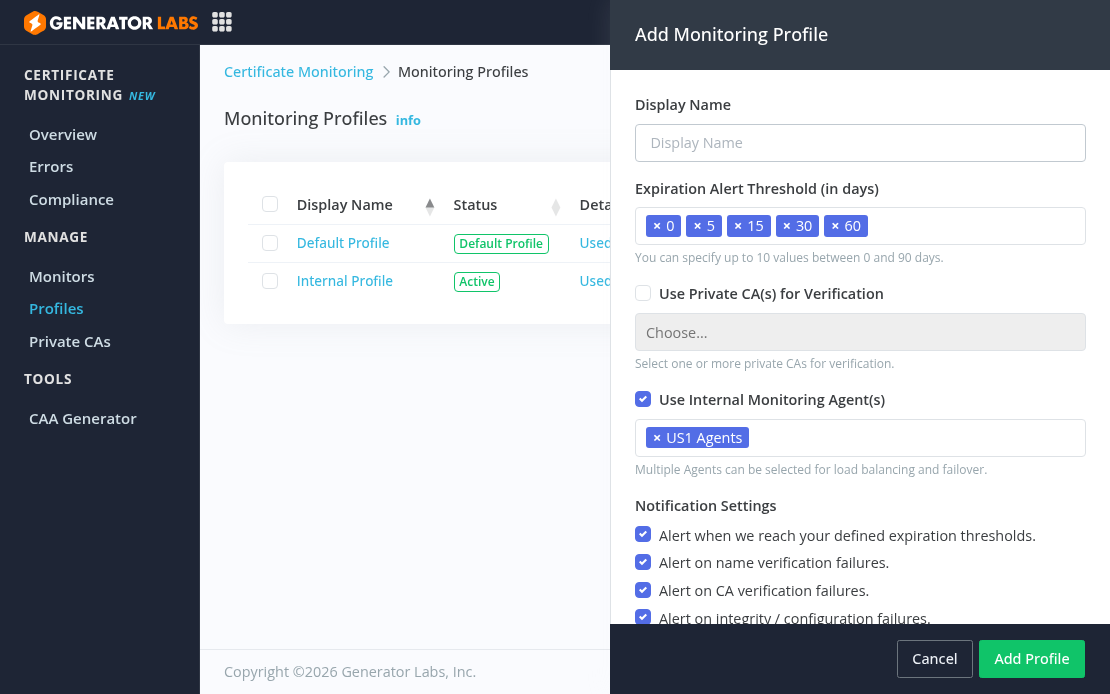
From the RBL Profiles section, give the new profile a unique name, and click “Add RBL Profile” to select which RBLs to use:

Then either edit a host and select this new RBL Profile from the drop down, or select the RBL profile when adding a new host:

About Generator Labs

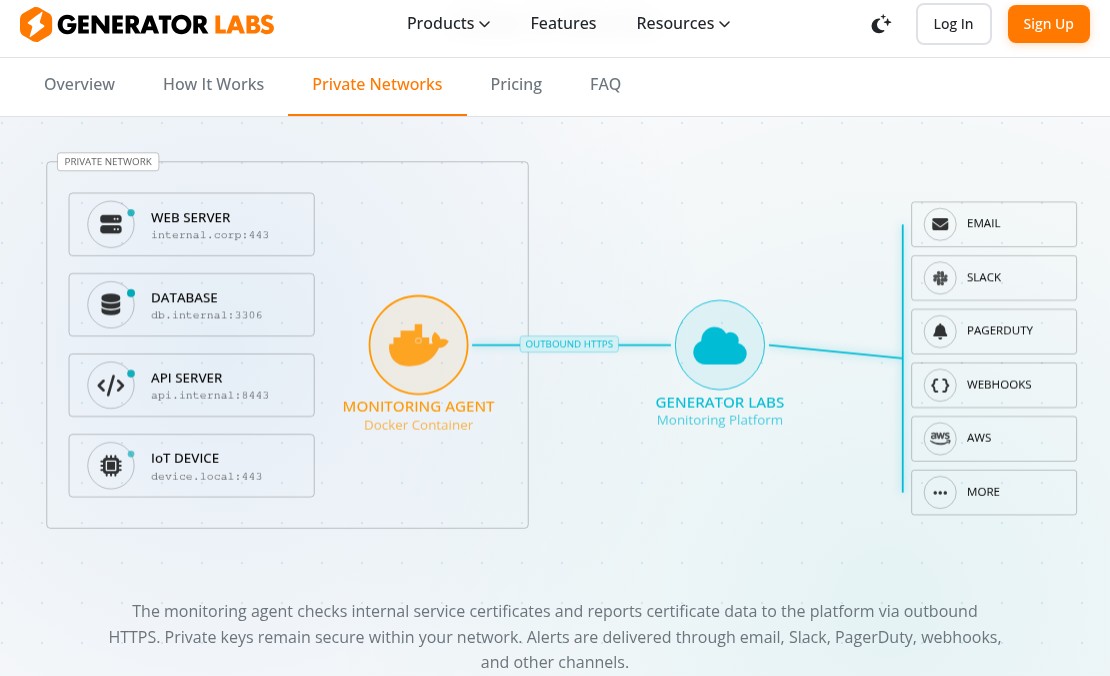
Generator Labs is a fully automated RBL monitoring service, which checks your IP addresses and website domains against the most frequently used real-time black lists (RBLs) and Safe Browsing Databases.

Don’t waste time by manually checking all your servers yourself- Generator Labs does it automatically, without any user intervention.

Generator Labs: New Flexible Pay-Per-Check Pricing Model

The Generator Labs system is an automated service that scans over 60 RBL’s, 20 URIBL’s, and the Google Safe Browsing database, to see if any of your IP addresses and website URL’s are currently blocked.

As of Sept 1st,, Generator Labs is offering a pay-per-check pricing model through its new Ultimate package. This new package lets you add as many hosts to your account as you like, and rather than paying for a certain number of hosts, you pay a low, scaled price per-check.

How does this work?

Per-Check pricing means that you can monitor an unlimited number of hosts, by simply adding credits on your account towards checks. When the credit on your account runs out, the checks stop- it’s that simple.

The cost-per-check scales with the number of hosts on your account. The current per-check pricing sheet is as follows:

  • Between 0 and 199 hosts, the cost-per-check is $0.0050/check
  • Between 200 and 499 hosts, the cost-per-check is $0.0048/check
  • Between 500 and 999 hosts, the cost-per-check is $0.0045/check
  • 1000 hosts and up, the cost-per-check is $0.0040/check

Put as much or as little credit on your account as you like- it will never expire, and we’ll let you know when your credit is running out.

How many hosts can I really add?

Really, you can add as many as you’d like! We’ve already had a customer that added over 6000 hosts to their account!

What else comes with the Ultimate package?

The Ultimate package includes all the same features of our Enterprise package, which includes multiple checks per day, SMS notifications, and much more. See the pricing page for all the package details.

Click here to sign up for free and get started today!

Google Speech API – Full Duplex PHP Version

So this is a follow up to my post a while ago, talking about how to use the Google Speech Recognition API built in to Google Chrome.

Since my last post, Chrome has had some significant upgrades to this feature- specifically around the length of audio you can pass to the API. The old version would only let you pass very short clips (only a few seconds), but the new API is a full-duplex streaming API. What this means, is that it actually uses two HTTP connections- one POST request to upload the content as a “live” chunked stream, and a second GET request to access the results, which makes much more sense for longer audio samples, or for streaming audio.

I created a simple PHP class to access this API; while this likely won’t make sense for anybody that wants to do a real-time stream, it should satisfy most cases where people just want to send “longer” audio clips.

Before you can use this PHP class, you must get a developer API key from Google. The class does not include one, and I cannot give you one- they’re free, and easy to get just go to the Google APIs site, and sign up for one.

Then download the class below, and start with a simple example:

<? 
require 'google_speech.php';

$s = new cgoogle_speech('put your API key here'); 

$output = $s->process('@test.flac', 'en-US', 8000);      

print_r($output);
?>

Audio can be passed as a filename (by prefixing the ‘@’ sign in front of the file name), or by passing in raw FLAC content. The second argument is an IETF language tag. I’ve only been able to test with both English and French, but I assume others work. It defaults to ‘en-US’. The third argument is sample rate, it defaults to 8000.

** Your sample rate must match your file- if it doesn’t, you’ll either get nothing returned, or you’ll get a really bad transcription. **

The output will return as an array, and should look something like this:

Array
(
    [0] => Array
        (
            [alternative] => Array
                (
                    [0] => Array
                        (
                            [transcript] => my CPU is a neural net processor a learning computer
                            [confidence] => 0.74177068
                        )
                    [1] => Array
                        (
                            [transcript] => my CPU is the neuron that process of learning
                        )
                    [2] => Array
                        (
                            [transcript] => my CPU is the neural net processor a learning
                        )
                    [3] => Array
                        (
                            [transcript] => my CPU is the neuron that process a balloon
                        )
                    [4] => Array
                        (
                            [transcript] => my CPU is the neural net processor a living
                        )
                )
            [final] => 1
        )
)

Get the PHP class here: http://mikepultz.com/uploads/google_speech.php.zip

Net_DNS2 Version 1.3.1 Released

I’ve released version 1.3.1 of the PEAR Net_DNS2 library- you can install it now through the command line PEAR installer:

pear install Net_DNS2

Download it directly from the Google Code page here.

Or, you can also add it to your project using composer.

Version 1.3.1

  • added the Net_DNS2_Packet_Request and Net_DNS2_Packet_Response objects to the Net_DNS2_Exception object
  • added support in the TSIG class for SHA algorithms (requires the hash extension, which is included in PHP >= 5.1.2), patch provided by Manuel Mausz
  • added support for the NID, L32, L64, and LP DNS RR’s (RFC6742)
  • lots of phpcs cleanup